
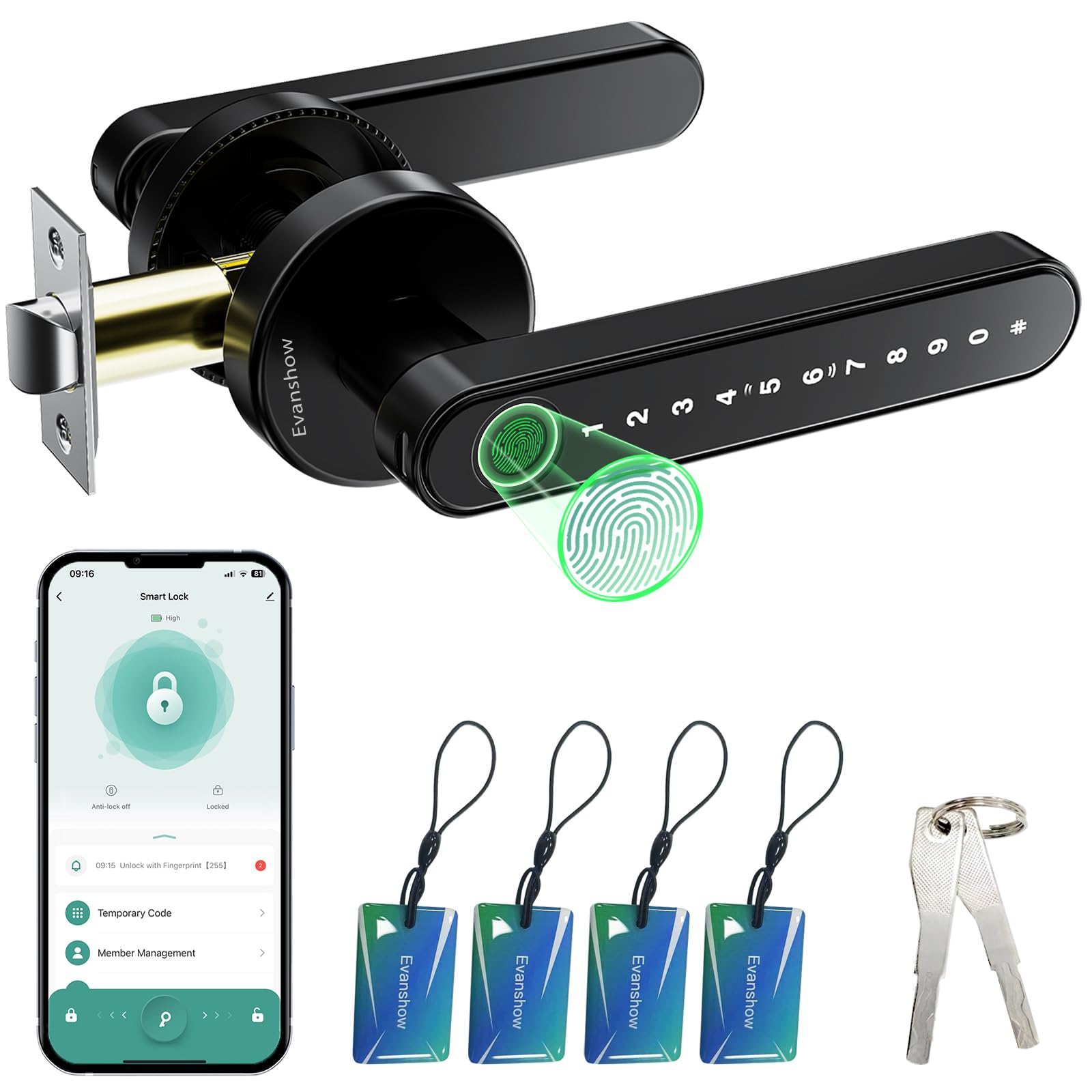




Smart Door Lock with Knob, Keyless Entry Door Locks with Handle, Fingerprint Door Knob for Bedroom/Front Door/Apartment,Generate Passcode Remotely Black
7 sold in last 24 hours
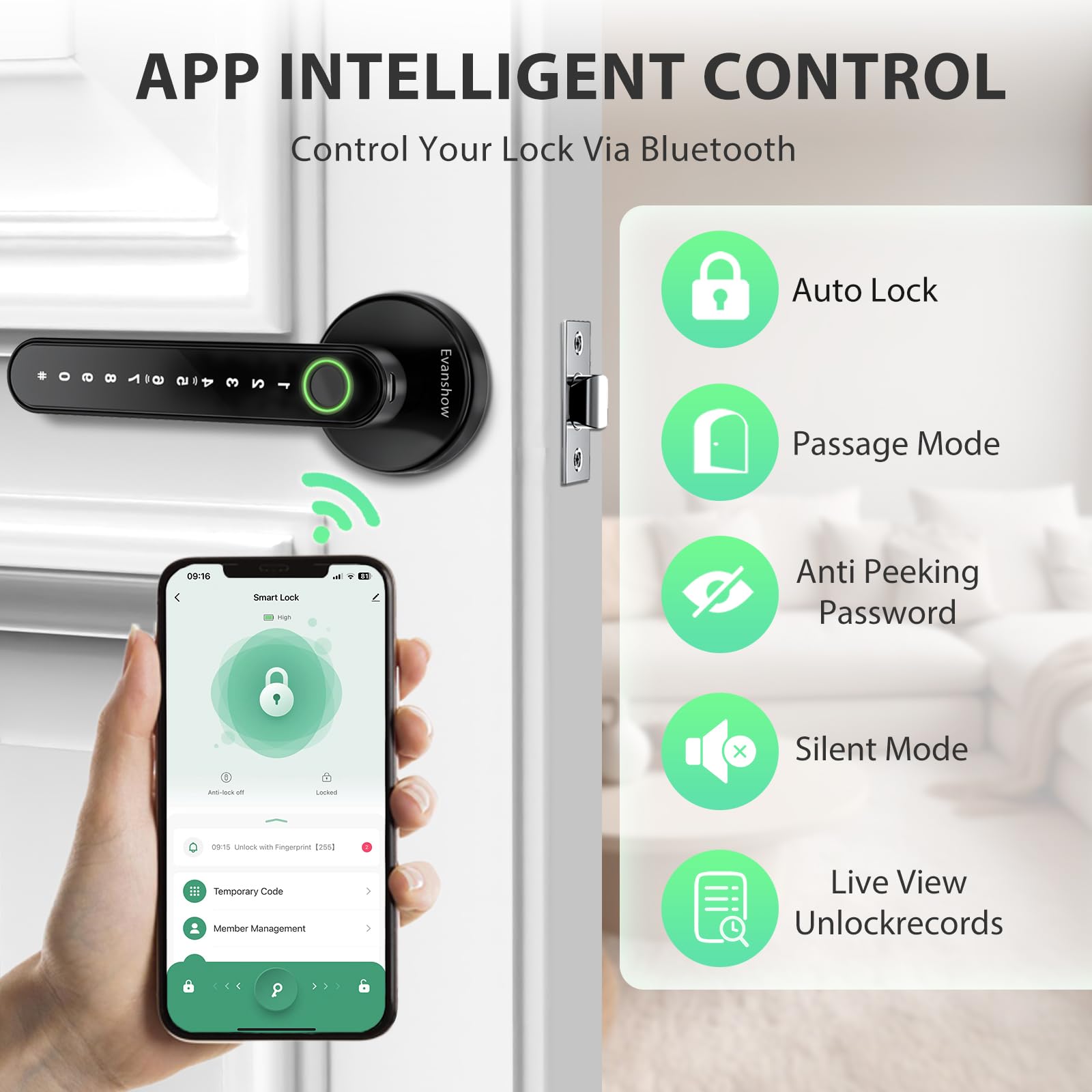
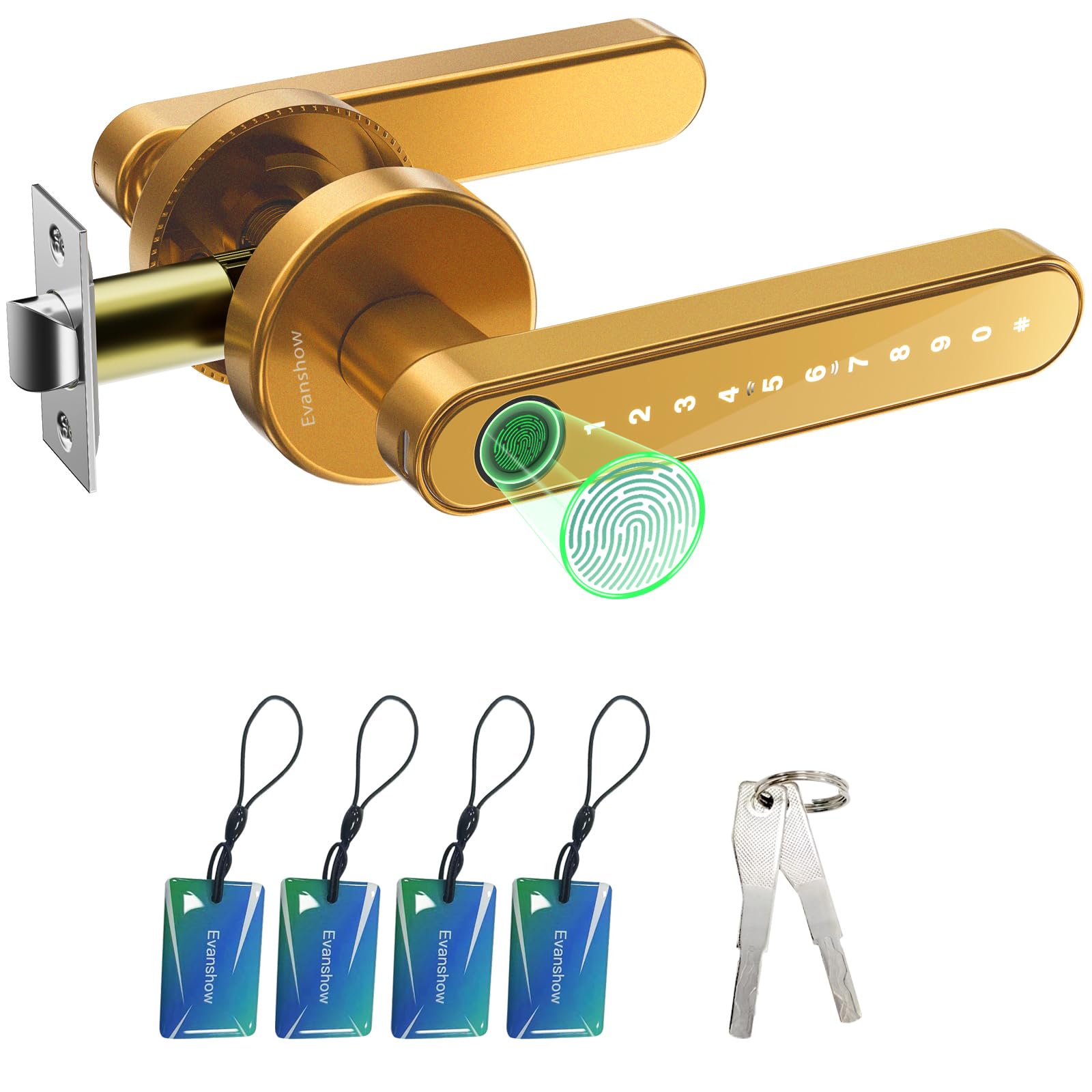
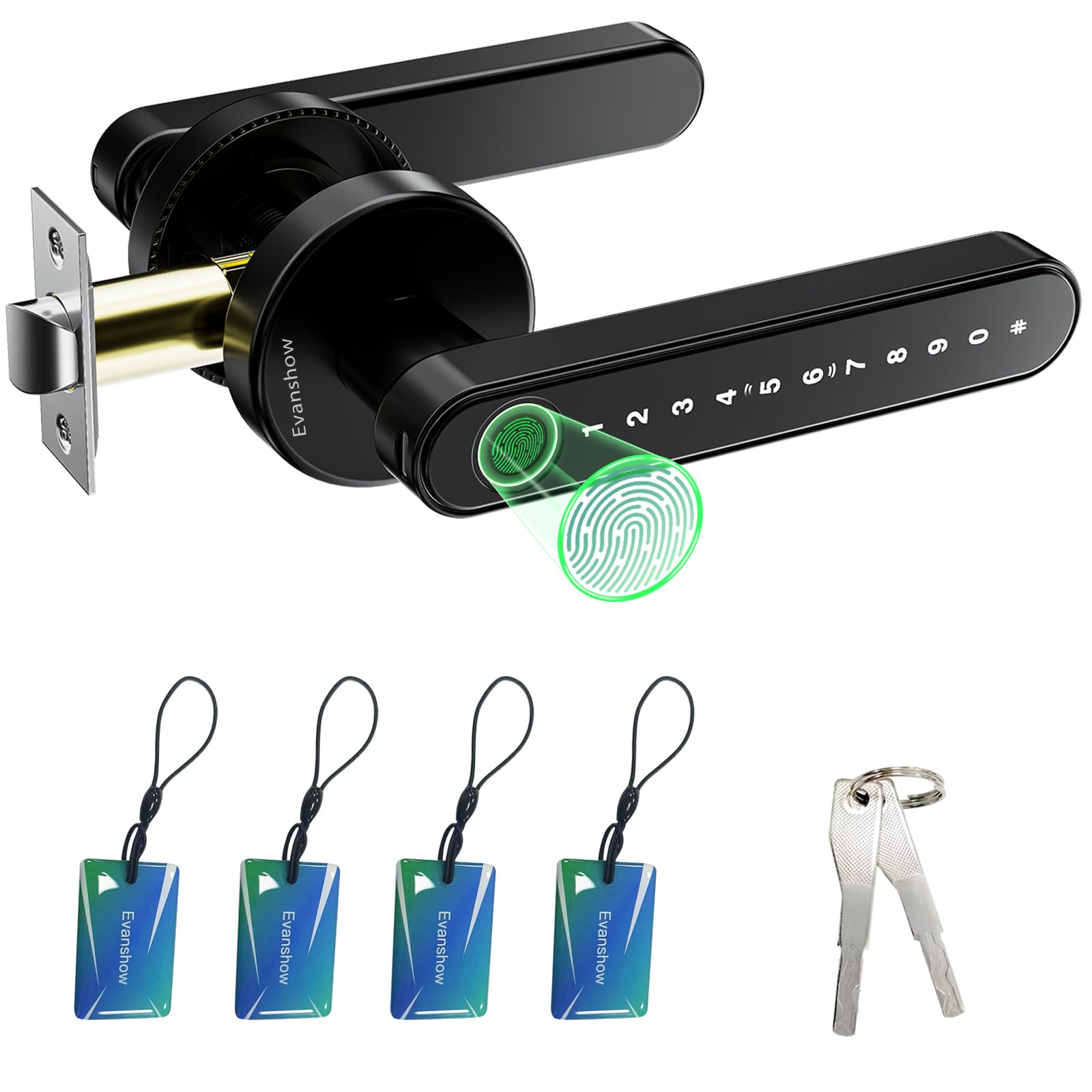
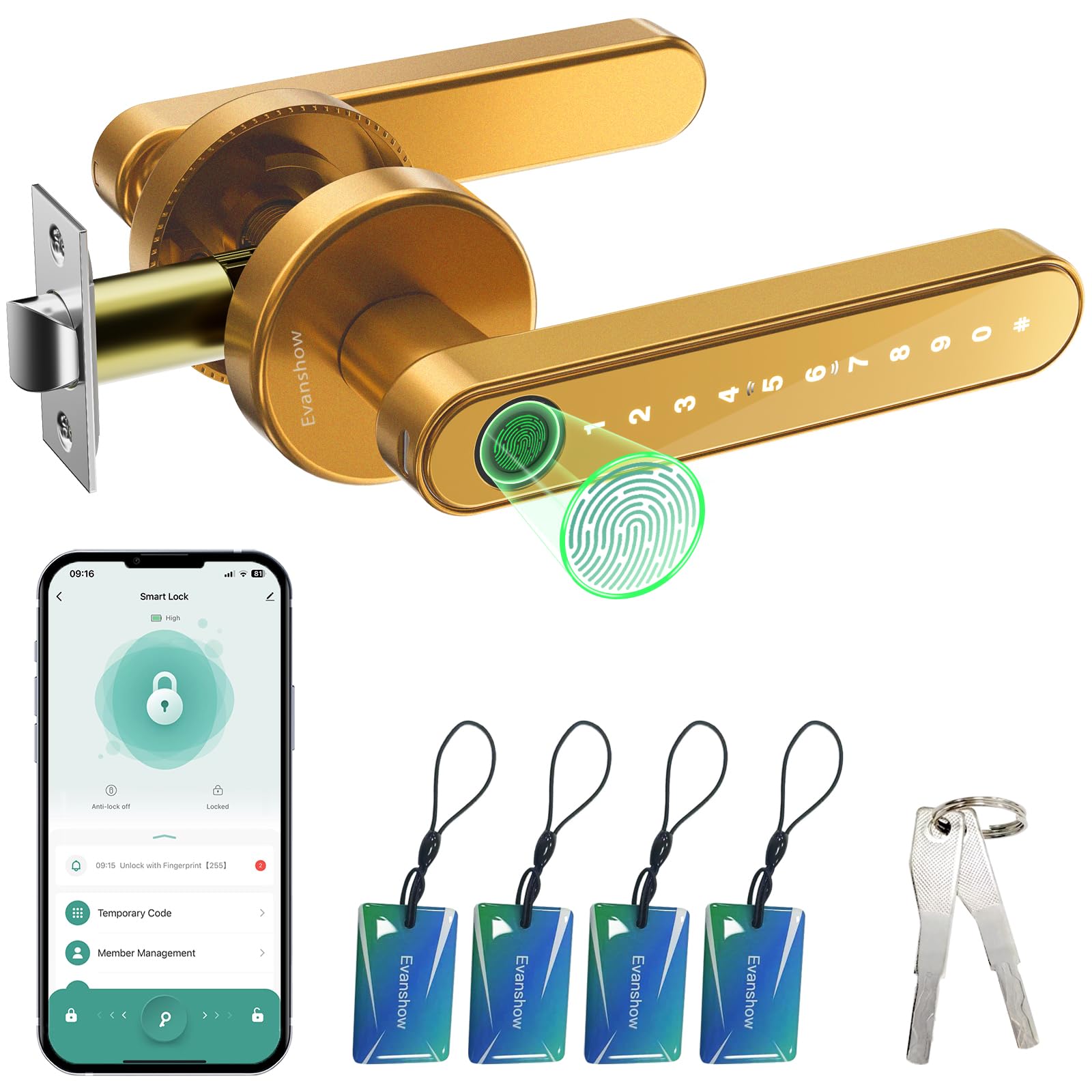
- Smart Door Lock: Enjoy keyless entry door lock convenience via tuya app; fingerprint, keypad passcode,nfc card mechanical key; Perfect for keyless entry door locks, our system ensures effortless control over your home’s security
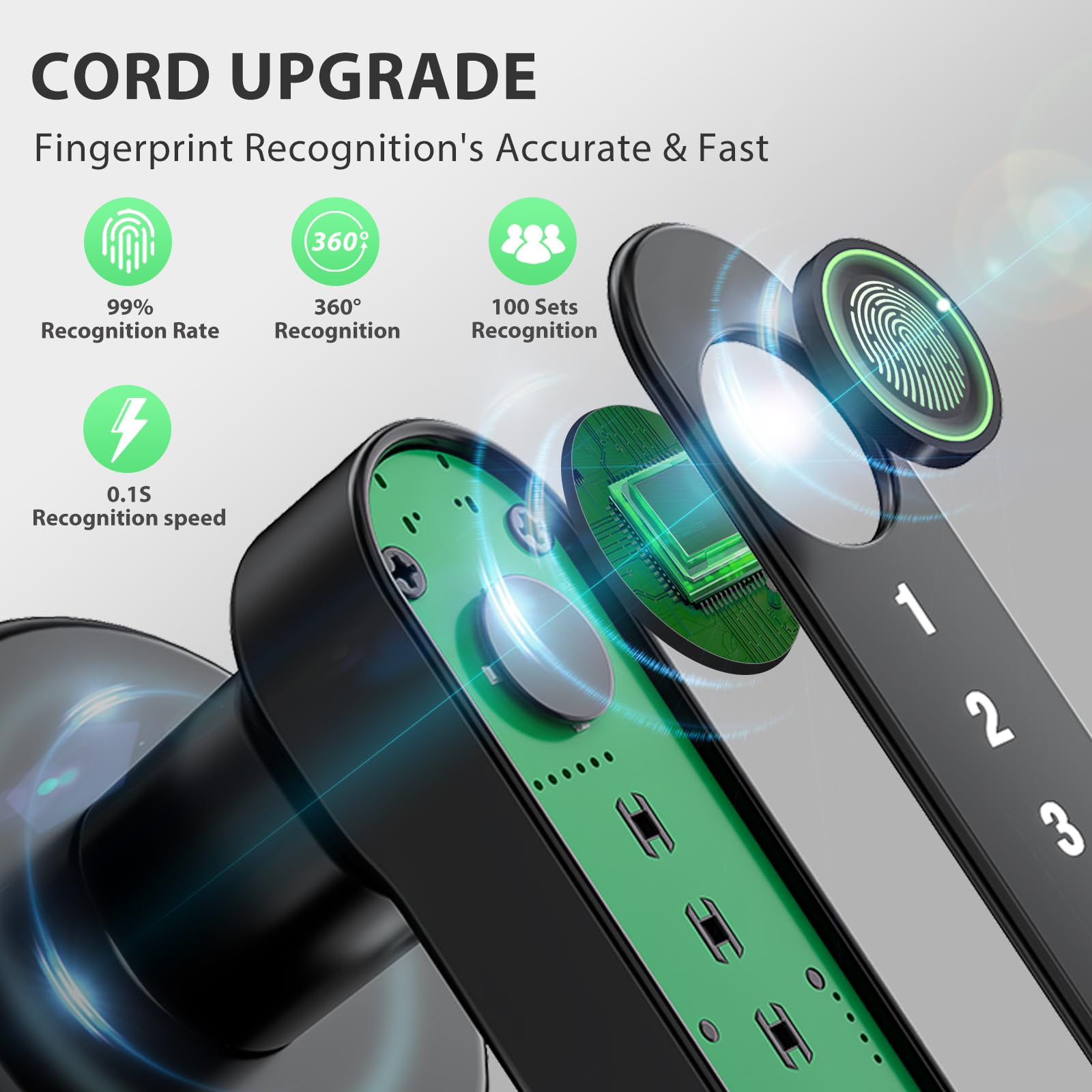
- Fingerprint Door Knob & Advanced Biometric: The thumbprint door knob uses advanced biometric tech for 0.5-second unlocks; No fumbling with keys—perfect as door locks for front door
- Advanced App Management: Seamlessly manage your deadbolt lock via the app: assign permanent/temporary access for family, guests, or deliveries, track entry logs, and enable silent mode for privacy
- Convenient Auto-Lock Feature: With the auto-lock function, this door knob automatically secures itself after a pre-set time, make your home more security
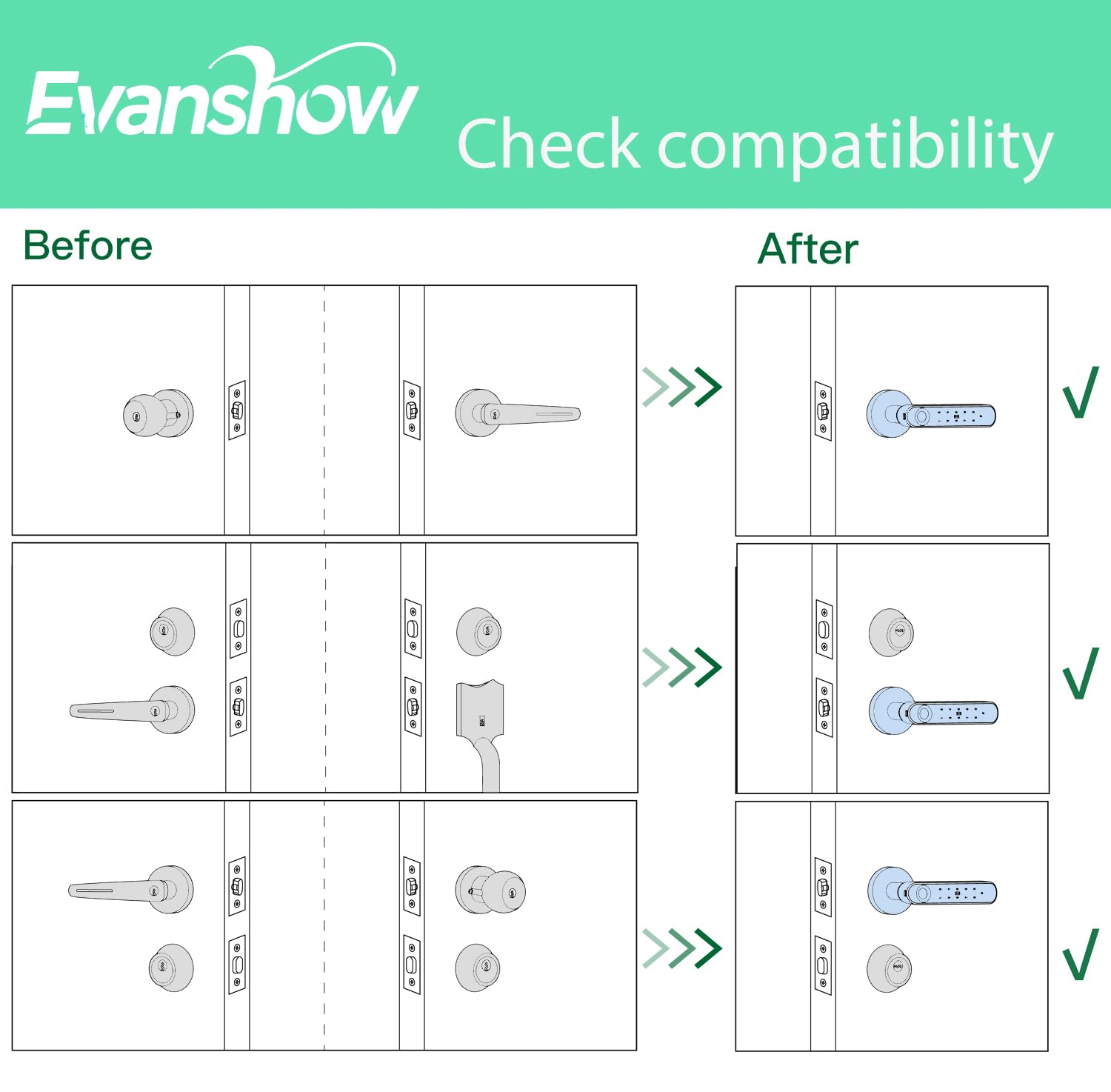
- Easy Installation: No drilling/wiring! Our fingerprint door handle fits 1.18"-1.97" thick wooden doors (left/right swing);fingerprint doorknob installs in minutes without professional help
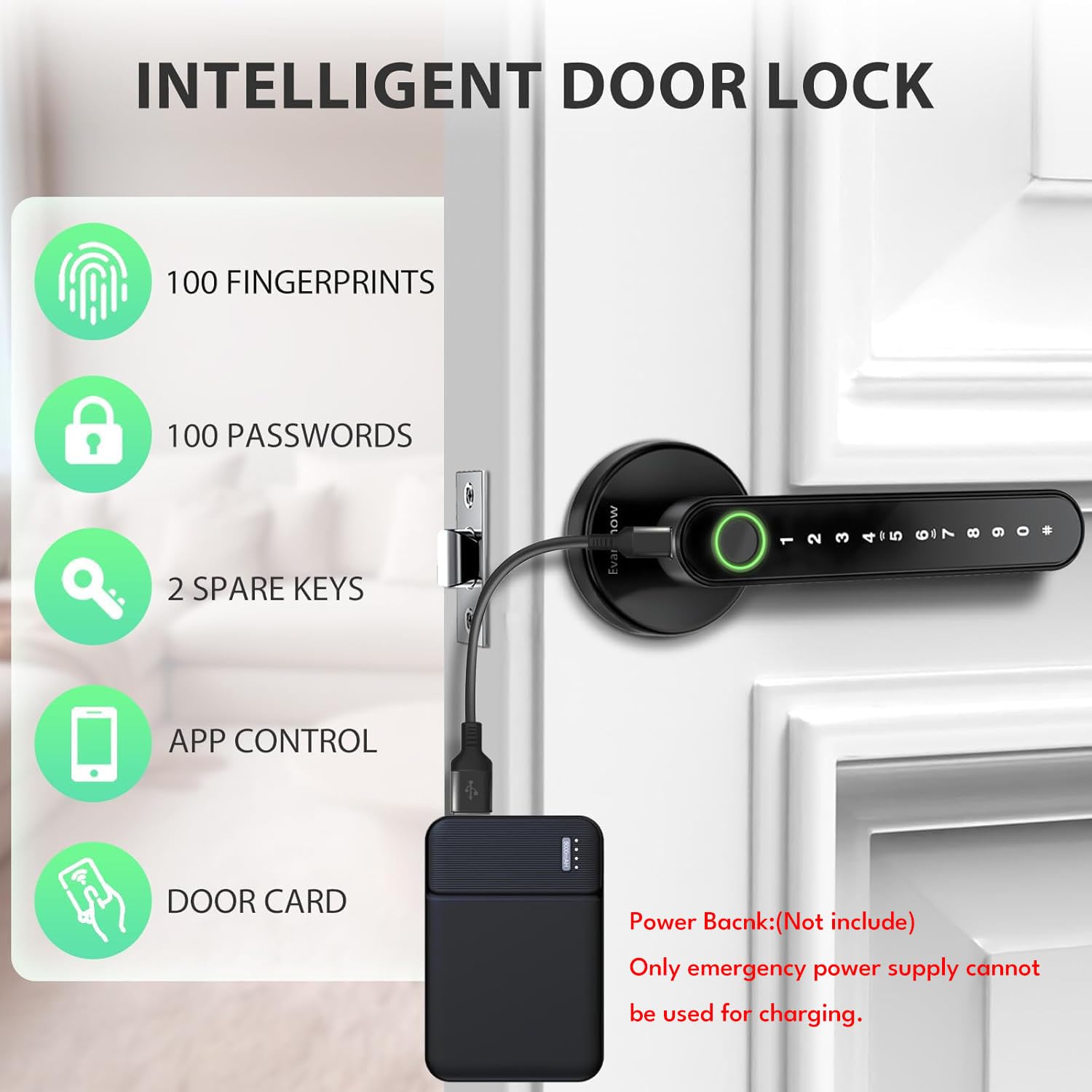
- Important First-Step Setup:Before first use, you MUST register an administrator fingerprint. Until an admin is set, ANY fingerprint will be able to unlock the door.The door lock have a USB port for emergency power (using an external power bank), but it cannot be used to charge the lock's internal batteries.
Tags |
Estimated shipping
Select a product to estimate shipping.Why everyone fingerprint can open the door?
The smart door knob s initaly set to unlock with any fingerprnt.It needs to set up the adminstroer if not When no user information is entered, any fingerprint or card orpassword "12345" can be unlocked.
How is the third-party ecosystem support for our lcok ?
It needs use with the gateway(needs to buy sparetely) then it supports Alexa and Voice Assistant forvoice lock/unlock commands, as well as remoteoperation via the mobile app.
What Is the Type-C Port Used For?
Type-C port is only for emergency use, like when the battery’s completely dead can connect a power bank to power it open the door. Don’t use it for regular charging, it could damage the inside of the lock or fry the motherboard.
What Type of Battery beuse for this Evanshow fingerprint Door Knob?
Please use four AAA alkaline batteries NOT rechargeable batteries , please do not charge the batteries via the Type-C
How do I perform a factory reset ?
Press and hold the reset button for10 seconds when the light turns green a have a longtime beep sound it will suceessfully.
Product details


| Main Specification | |
|---|---|
| Manufacturer | Evanshow |
| Unit Count | 1 Count |
| Lock Type | Privacy |
| Handle Material | Metal |
| Exterior Finish | Matte Black |
| Hand Orientation | Reversible |
| Brand | Evanshow |
| Number of Items | 1 |
| Shape | Lever |
| Included Components | Door Handle |
| Material | Metal |
| Colour | BLACK 02 |
| Style | With APP |
| Item Weight | 1.2 Pounds |
| Product information | |
| Customer Package Type | Retail Box |
| Technical Details | |
| Manufacturer Part Number | 190BT |
| Handle Attachment Mechanism | Latch/Snap-on |
| Material Type | Metal |
| Handle Type | Lever Knob |
| Handle Compatibility | Size Specific |
| Material | Metal |
| Item details | |
| Model Number | 190BT |
| Indoor Outdoor Usage | Indoor |
| Style | |
| Style Name | With APP |
| Finish Types | Matte Black |
| Features & Specs | |
| Additional Features | Auto-Lock |
| Others | |
| Product Type | Door Knobs |